for ADHD
 for families
 for international scheduling
 for unconventional relationships
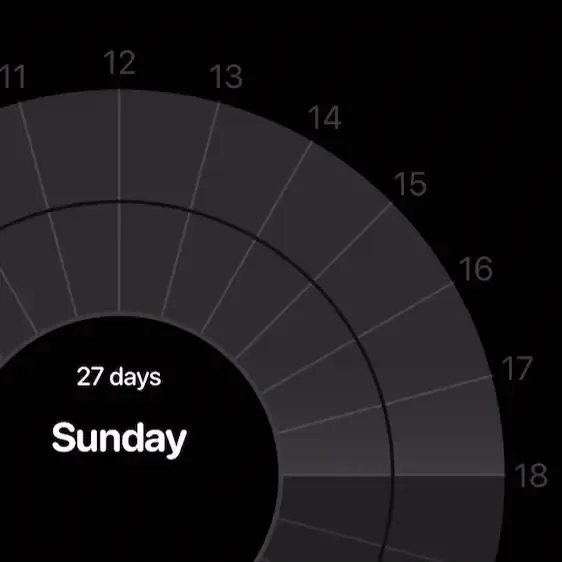
Touch and drag for a new event.
Add a new event to your day by touching and dragging on the dial. Let go to set the start time. Give your event a name, tap done (top right), and that’s it. Fast and intuitive.
Built for ADHD.
Useful for all.
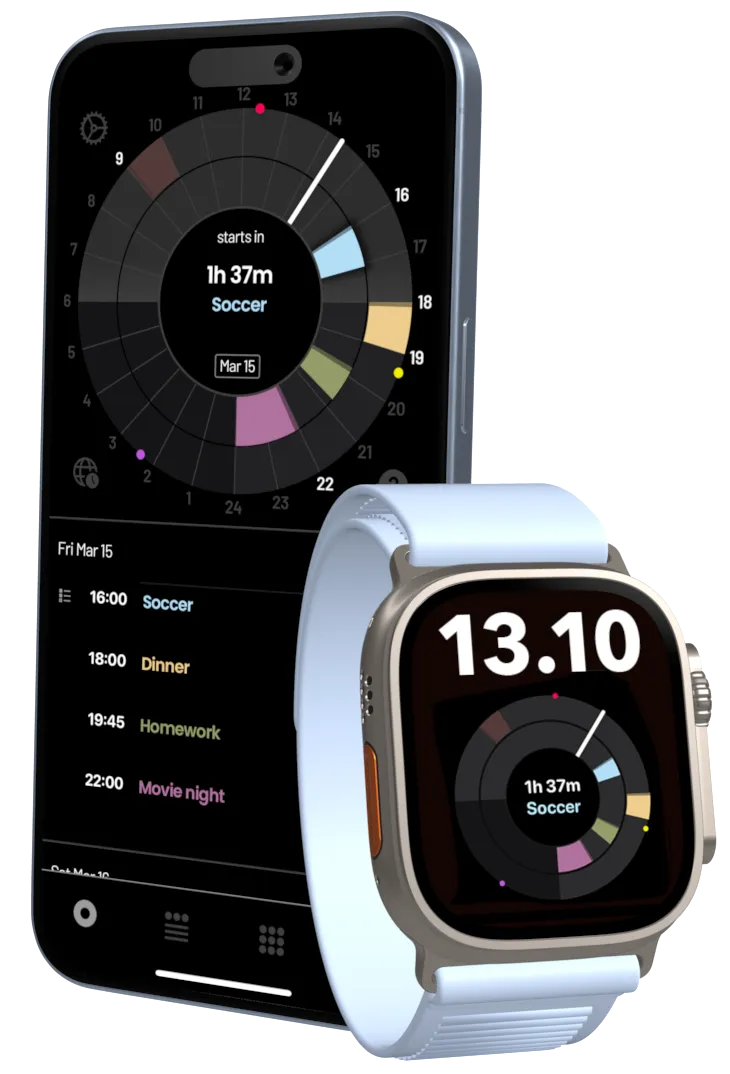
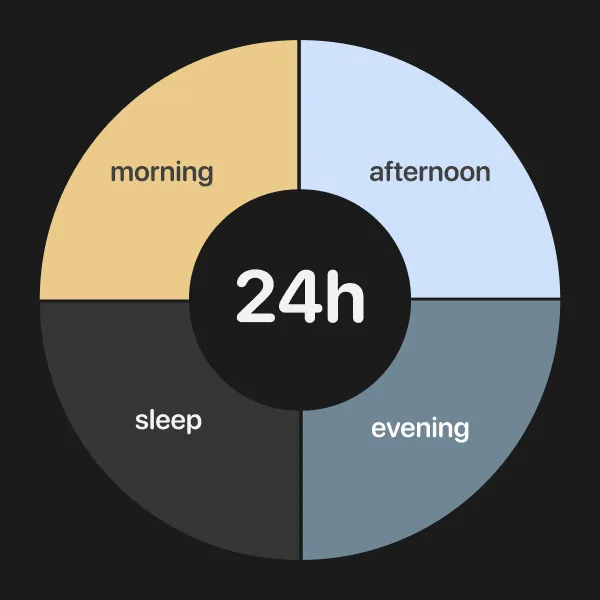
Time is a circle, not a series of columns.
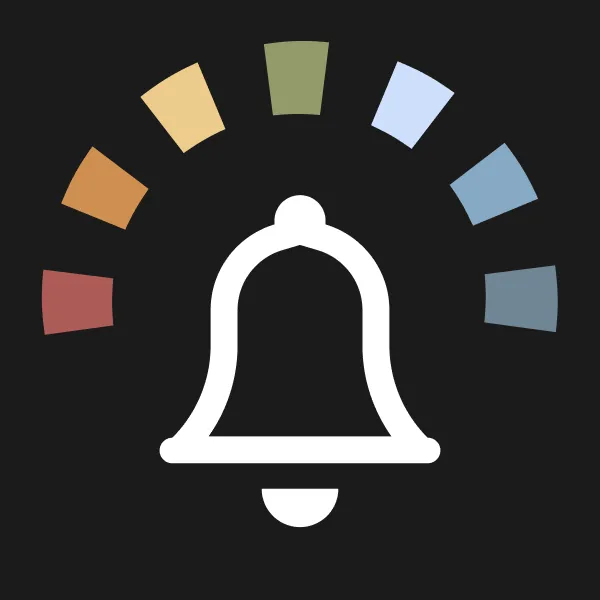
Make certain events critical and mute others.

Attach todo lists to an event and never forget to bring That Thing again.
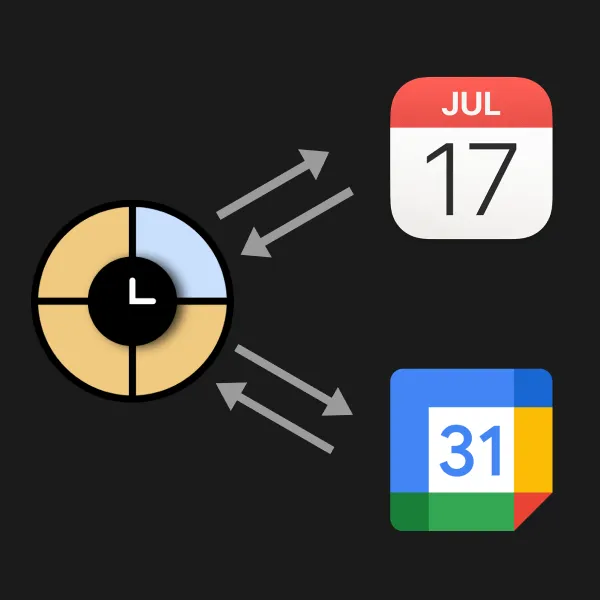
Plays nice with the apps you already use and keeps your data safe.
Add a new event to your day by touching and dragging on the dial. Let go to set the start time. Give your event a name, tap done (top right), and that’s it. Fast and intuitive.
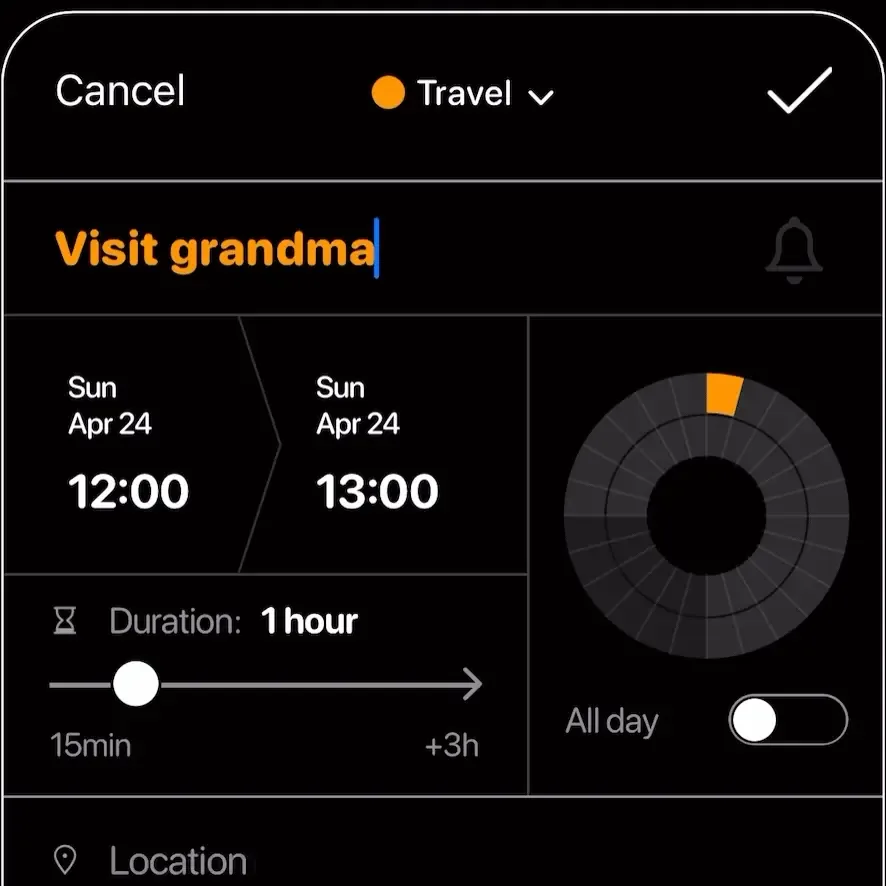
No more calculating the end time of an event that lasts, say, 1h 45min. Slide the duration slider, and Weel does the rest. The dial on the right also shows if you have other events on that day, so you won’t accidentally double book yourself.
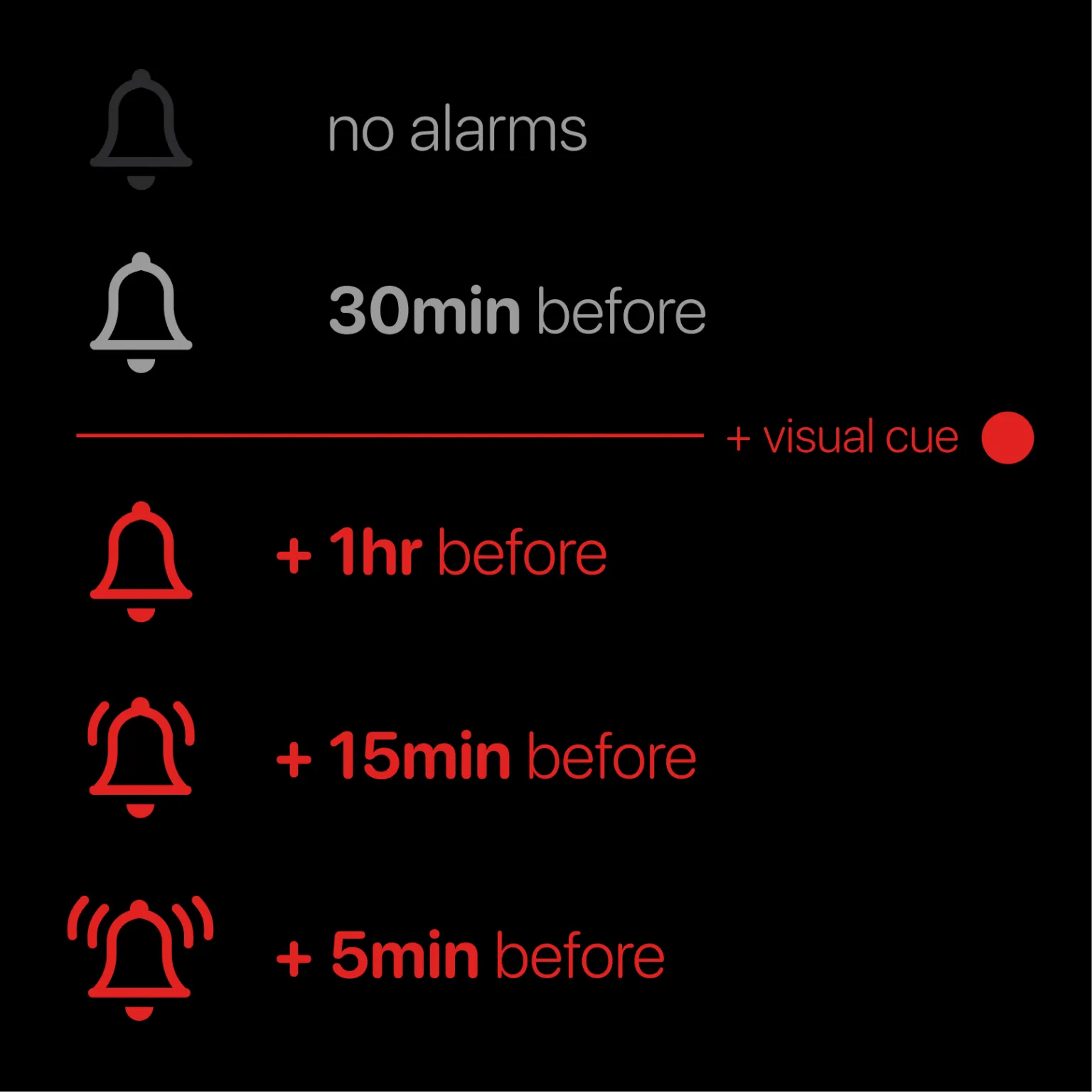
Add multiple alarms and visual highlights to an event in just a few taps.
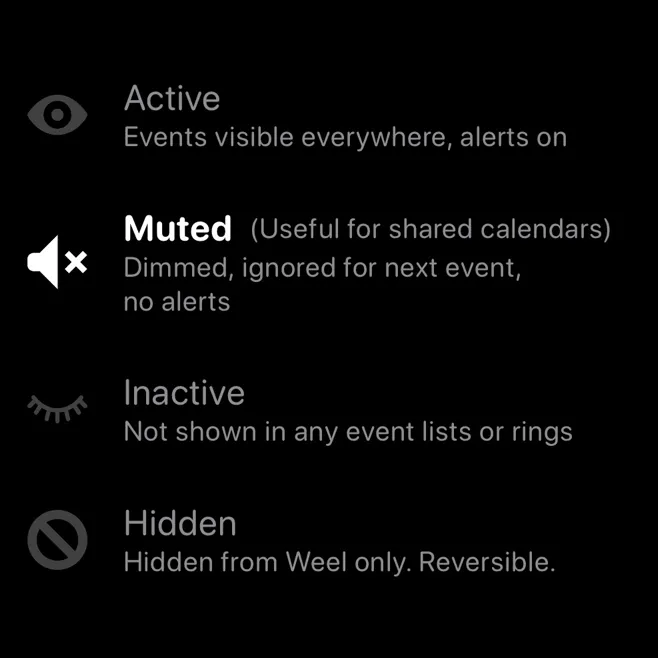
Swipe to mute all alarms for an event, make it less visually loud, and remove it from your "Next event" queue.
The best
I have trialled a range of diary/organiser apps - trying to find something that keeps me focused without feeling like I have homework. This one hits the spot. As a neurodivergent clinical psychologist - this app makes me feel like I’m control of my day, my executive functioning is not chasing its tail. Thank you very much.
It’s only been 3 weeks but Weel is changing my life
I was late diagnosed with ADHD. I knew I needing to visualize my schedule was a necessity for me to feel confident and successful managing my time and Weel is filling that need.
I LOVE THIS APP
I was newly diagnosed ADHD in my late 30s and this app is what I've needed my entire life. I love customizing it and get very caught up in how to get it perfect but I've got it all dialed in now and I'm telling everyone in my life about it because it's wonderful for anyone ADHD or not.
Many helpful features
The circular 24 hour calendar, alert options, and checklists that attach to events are just a few of the features that make Weel an excellent app. The colors and visual presentation allow for easy input and retrieval of information. Best part - you can customize how you want the app to assist you.
Love this app!
It helps me visualize my day.
Brilliant App on iPhone and Apple Watch
I love it!
Fellow Brain Approves
Thank you for this solution!
unbelievably useful
made me sick to my stomach how i’ve been living before
Weel is a calendar app that shows your whole day on a single 24-hour dial instead of a grid of boxes. It was built for people with ADHD, time blindness and dyscalculia, and it works for anyone who wants to see their time at a glance.
How Weel helps with ADHDWeel runs on iPhone, iPad and Apple Watch, with home screen widgets, and needs iOS 18 or later. Version 1 of Weel for Android is on Google Play. It has fewer features than the iPhone app for now.
What the Android version includesWeel is free to download. A subscription, called Weel+ on iPhone and Weel Pro on Android, adds more features and starts with a free trial. Current prices are shown in the app and on its store page, and vary by country.
Student discountYes. Weel shows the calendars already set up on your phone, including iCloud, Google Calendar, Outlook and Exchange, so there is nothing to move or re-enter. Anything you add or change in Weel shows up in those calendars too.
How to add calendar accountsYou don’t need an account. Your events stay on your device and with the calendar service you already use, and Weel doesn’t store them. The app sends anonymous usage statistics and crash reports to help us fix problems.
Privacy policyWeel is made by Executive Functioning Oy, a company based in Finland. The iPhone app has been on the App Store since 2021 and is rated 4.4 out of 5 from 433 ratings in the US.
Contact us